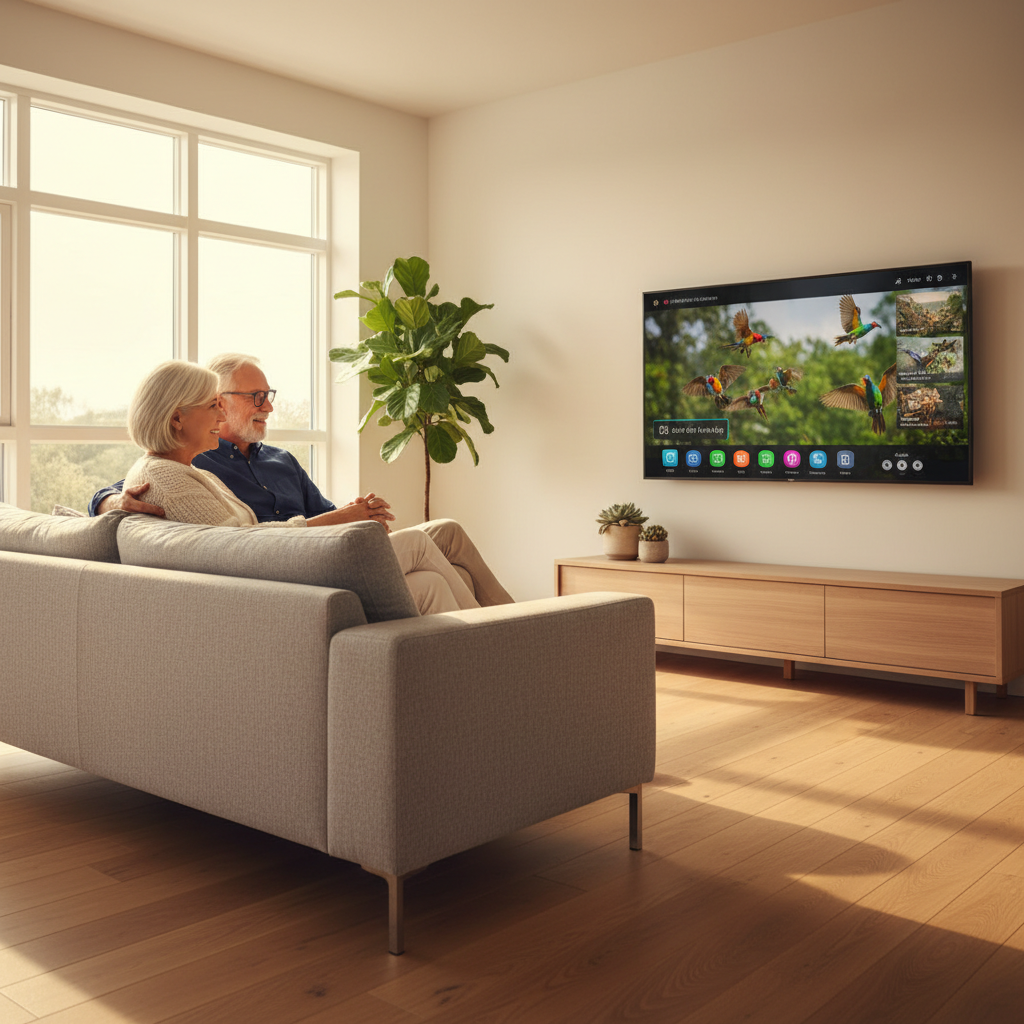
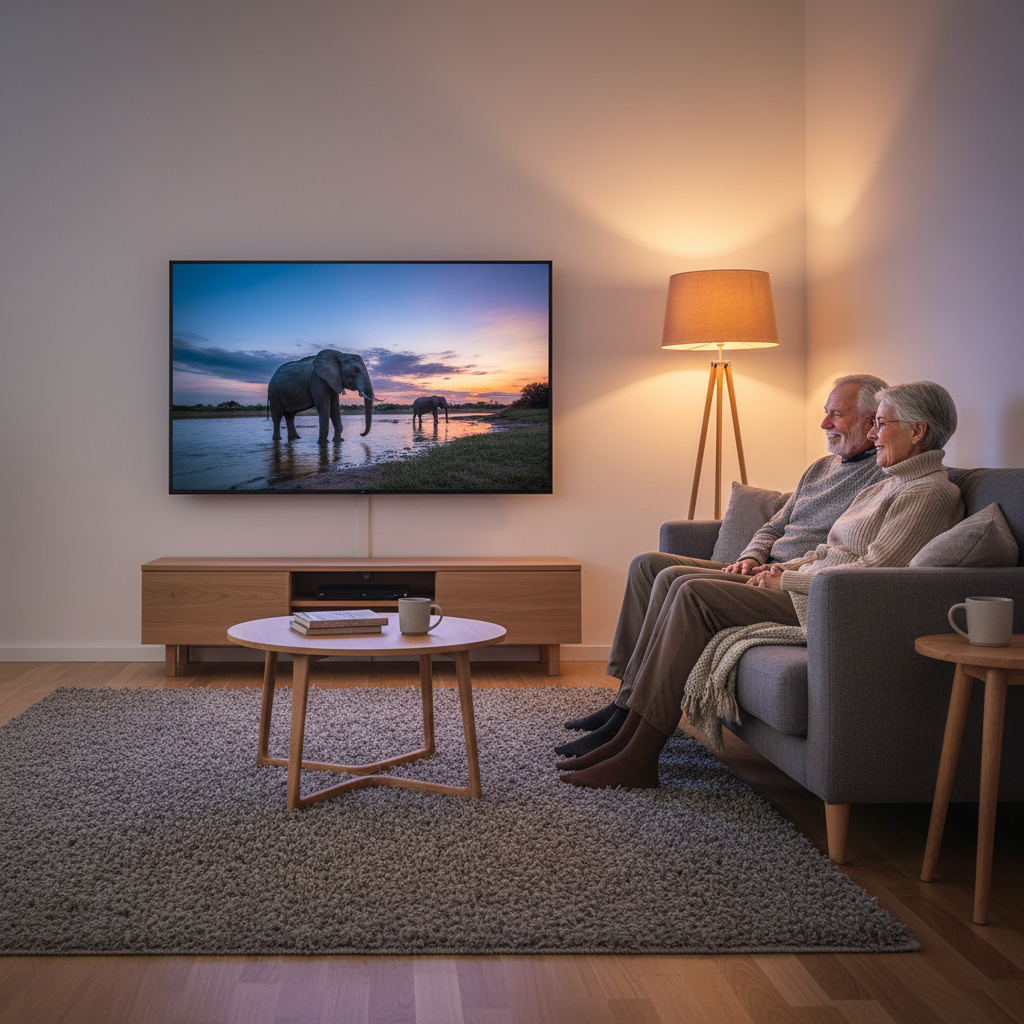
An older couple comfortably watching television in a bright, warm living room
The right TV for seniors should be bright, clear, and effortless to operate — so the focus stays on the moment, not the technology.
2026 Edition

Best TV for Seniors (2026)

Expert Buying Guide · Updated July 2026

Published: July 1, 2026Last reviewed: July 2026

The right TV for an older adult is one that is easy to see, easy to hear, and easy to operate. This guide covers menu readability, remote usability, dialogue clarity, brightness, viewing comfort, and setup simplicity — with recommendations tailored specifically to the needs of seniors. Not sure what size you need? Use our TV Size Finder or Viewing Distance Calculator to get started.

Easy to Use

Simple menus, large icons, and straightforward remotes that don't require a tech manual to operate.

Best Sound Clarity

Built-in dialogue enhancement and clear voice technology that makes speech easy to understand at any volume.

Brightest Display

High peak brightness and anti-reflection coatings so the screen stays visible and clear even in sunlit rooms.

Simplest Smart TV

Streaming platforms with intuitive layouts, voice search, and minimal setup — Netflix and iPlayer without the fuss.

Tested for menu readability
Remote simplicity
Dialogue clarity
Bright room visibility
Updated July 2026
🛠 Free ToolsTV Size Finder →Viewing Distance Calculator →Wall Fit Calculator →Stand Fit Calculator →Compare 55" vs 65" →

Our Top Senior TV Picks (2026)

These are our editor-recommended televisions for seniors in 2026, independently evaluated for menu readability, remote usability, dialogue clarity, brightness, viewing comfort, and ease of setup — the criteria that matter most for older adults. Before buying, use our Viewing Distance Calculator to confirm the right size, and check the Stand Fit Calculator to ensure the TV fits your furniture.

⚡ Quick Comparison — 2026 Updated

TVBest ForSizesBrightnessDialogueRemoteRating
LG C4 OLEDClarity & dialogue48–77"★★★☆☆★★★★★★★★★☆9.3/10
TCL QM7Bright rooms55–85"★★★★★★★★★☆★★★★☆8.7/10
Samsung QN85/90Easiest remote43–65"★★★★☆★★★★☆★★★★★8.8/10
Hisense U6Best value43–75"★★★☆☆★★★★☆★★★☆☆8.3/10
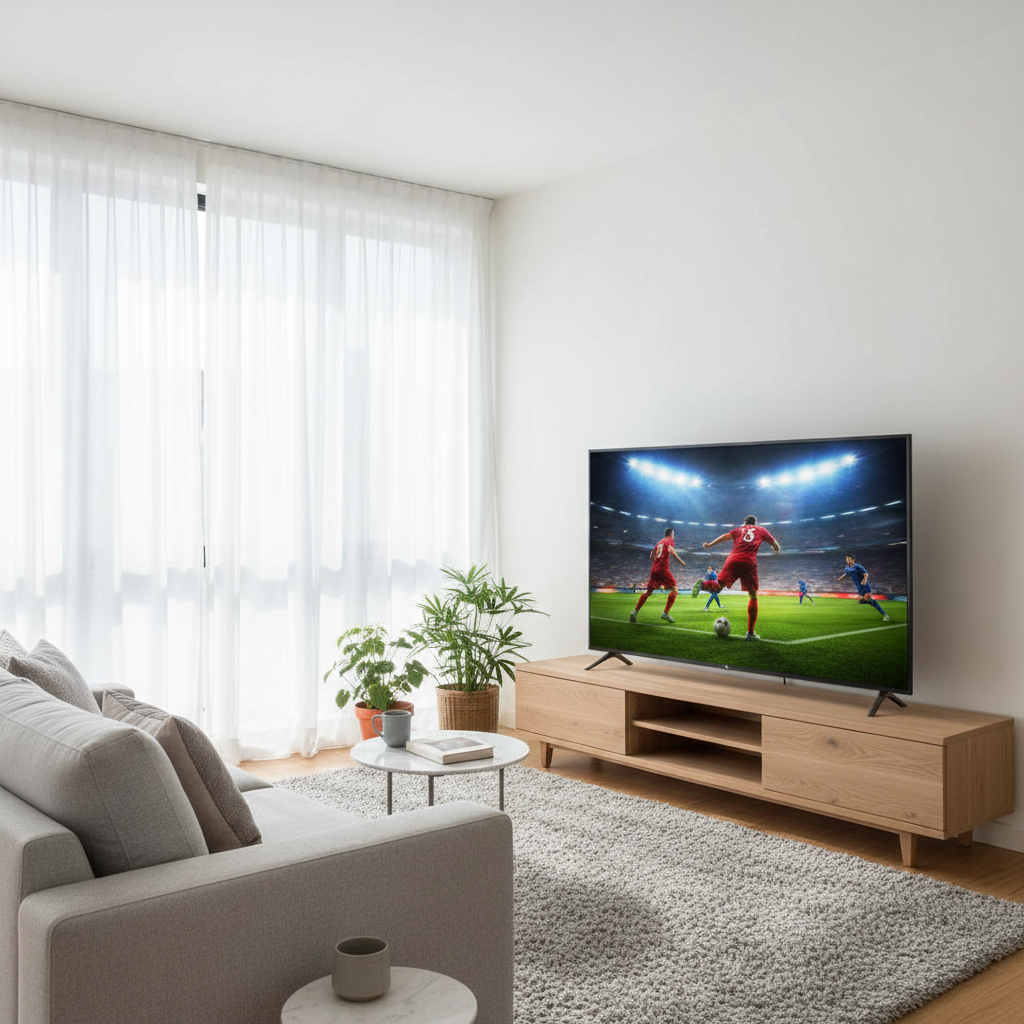
LG C4 OLED TV — easy to read menus and wide viewing angles for seniors
$1,100–$1,800
The LG C4 OLED delivers crystal-clear picture quality and AI dialogue enhancement — ideal for senior viewing.
LGOLED
Editor's Choice
9.3

Best Overall

LG C4 OLED

Excellent
Perfect clarity, dialogue enhancement & wide viewing angles
Best for:• Movie nights• Dialogue clarity• Wide viewing angles

Pros

  • Perfect blacks and infinite contrast make on-screen text razor-sharp
  • AI Sound Pro enhances dialogue — voices are clear even at low volume
  • Magic Remote with voice search eliminates typing on an on-screen keyboard
  • Wide viewing angles mean the picture stays clear from any seat in the room

Cons

  • Higher price than QLED alternatives at the same size
  • Not ideal for very bright, sun-facing rooms — peaks around 1,000 nits
  • Magic Remote pointer may take adjustment for users preferring traditional button remotes

Performance Ratings

Picture Clarity
★★★★★Excellent9.8/10
Dialogue Clarity
★★★★★Excellent9/10
Remote Usability
★★★★☆Very Good8.5/10
Bright Room Visibility
★★★☆☆Average5.5/10

Editor's Verdict

★★★★★

Picture

9.8/10

Dialogue

9.0/10

Ease of Use

8.5/10

Best for: Seniors who want the clearest picture and best dialogue clarity

The LG C4 OLED earns the top senior pick because its combination of razor-sharp text clarity, AI dialogue enhancement, and voice-controlled Magic Remote directly addresses the three biggest TV pain points for older adults: readability, hearing, and operation. The webOS interface is clean and logically organised, and the 48" size is ideal for typical senior living spaces.

✅

Final Verdict

Best overall TV for seniors — exceptional clarity, dialogue enhancement, and voice control.

Ideal Room & Use

Living roomsMovie nightsWide seating anglesDialogue-focused viewing

Available Sizes

48" · 55" · 65" · 77"

Brightness

~1,000 nits

Editor Score

9.3 / 10

Excellent
TCL QM7 Mini LED TV — bright display for seniors in sunlit rooms
$550–$900
The TCL QM7 delivers 1,500 nits of brightness — ideal for seniors who watch TV during the day in naturally lit rooms.
TCLMini LED
Best for Bright Rooms
8.7

Best for Bright Rooms

TCL QM7 / C7K Series

Very Good
High brightness & clear voice for daytime viewing
Best for:• Bright rooms• Daytime viewing• Voice search

Pros

  • 1,500-nit brightness keeps the picture visible even in sunlit living rooms
  • Google TV voice search lets seniors find channels and shows by speaking
  • Dedicated dialogue enhancement mode improves speech intelligibility
  • Strong value — Mini LED performance at a mid-range price point

Cons

  • Remote has many buttons — may feel overwhelming at first
  • Local dimming not as precise as premium brands in dark scenes
  • Google TV home screen shows recommended content that may feel cluttered

Performance Ratings

Picture Clarity
★★★★☆Very Good8.5/10
Dialogue Clarity
★★★★☆Very Good8/10
Remote Usability
★★★★☆Very Good8.2/10
Bright Room Visibility
★★★★★Excellent9.5/10

Editor's Verdict

★★★★★

Brightness

9.5/10

Value

9.0/10

Dialogue

8.0/10

Best for: Seniors who watch TV in bright, naturally lit rooms during the day

The TCL QM7 is the best bright-room TV for seniors because its 1,500-nit peak brightness combats glare from windows — a common issue for older eyes that are more sensitive to reflections. Google TV's voice search and the dedicated dialogue mode address two key senior needs: finding content without typing and hearing speech clearly.

✅

Final Verdict

Best for bright rooms — high visibility and voice search at a senior-friendly price.

Ideal Room & Use

Bright living roomsDaytime viewingVoice search usersValue-conscious buyers

Available Sizes

55" · 65" · 75" · 85"

Brightness

~1,500 nits

Editor Score

8.7 / 10

Very Good
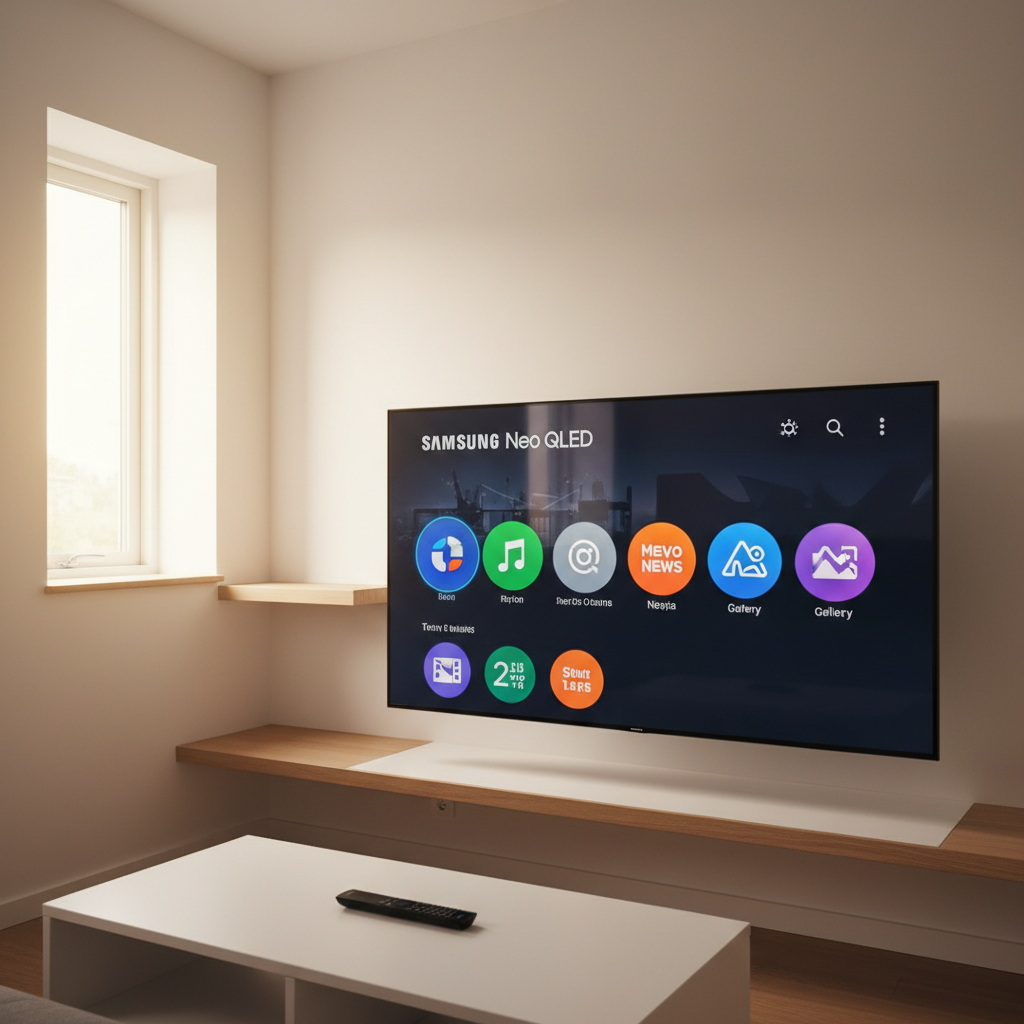
Samsung Neo QLED TV with minimalist SolarCell remote — easiest remote for seniors
$700–$1,200
Samsung's SolarCell remote has just a few large buttons — the simplest remote for older hands.
SAMSUNGNeo QLED
Easiest Remote
8.8

Easiest to Use

Samsung QN85/QN90 Neo QLED

Very Good
Minimalist remote, anti-glare screen & simple menus
Best for:• Simple remote• Anti-glare screen• Easy menus

Pros

  • SolarCell remote has minimal, well-spaced buttons — ideal for arthritic hands
  • Anti-reflection coating reduces glare for comfortable daytime viewing
  • Tizen OS menu layout is clean and straightforward to navigate
  • Built-in voice assistant for channel switching and app launching

Cons

  • Tizen app store has fewer apps than Google TV
  • Premium pricing compared to TCL or Hisense at the same size
  • SolarCell remote lacks a backlight — hard to see buttons in the dark

Performance Ratings

Picture Clarity
★★★★☆Very Good8.8/10
Dialogue Clarity
★★★★☆Very Good8.5/10
Remote Usability
★★★★★Excellent9.5/10
Bright Room Visibility
★★★★☆Very Good8.8/10

Editor's Verdict

★★★★★

Remote

9.5/10

Picture

8.8/10

Brightness

8.8/10

Best for: Seniors who want the simplest remote and most intuitive menus

Samsung's QN85/QN90 earns the "easiest to use" pick because of its SolarCell remote — a minimalist controller with far fewer buttons than typical TV remotes, making it the best choice for seniors with arthritis or limited dexterity. The anti-reflection screen and clean Tizen menu system further reduce the friction of daily TV operation.

✅

Final Verdict

Easiest TV for seniors — minimalist remote, anti-glare screen, and clean menus.

Ideal Room & Use

Simple remote needsArthritic handsBright roomsClean menu layouts

Available Sizes

43" · 50" · 55" · 65"

Brightness

~1,200 nits

Editor Score

8.8 / 10

Very Good
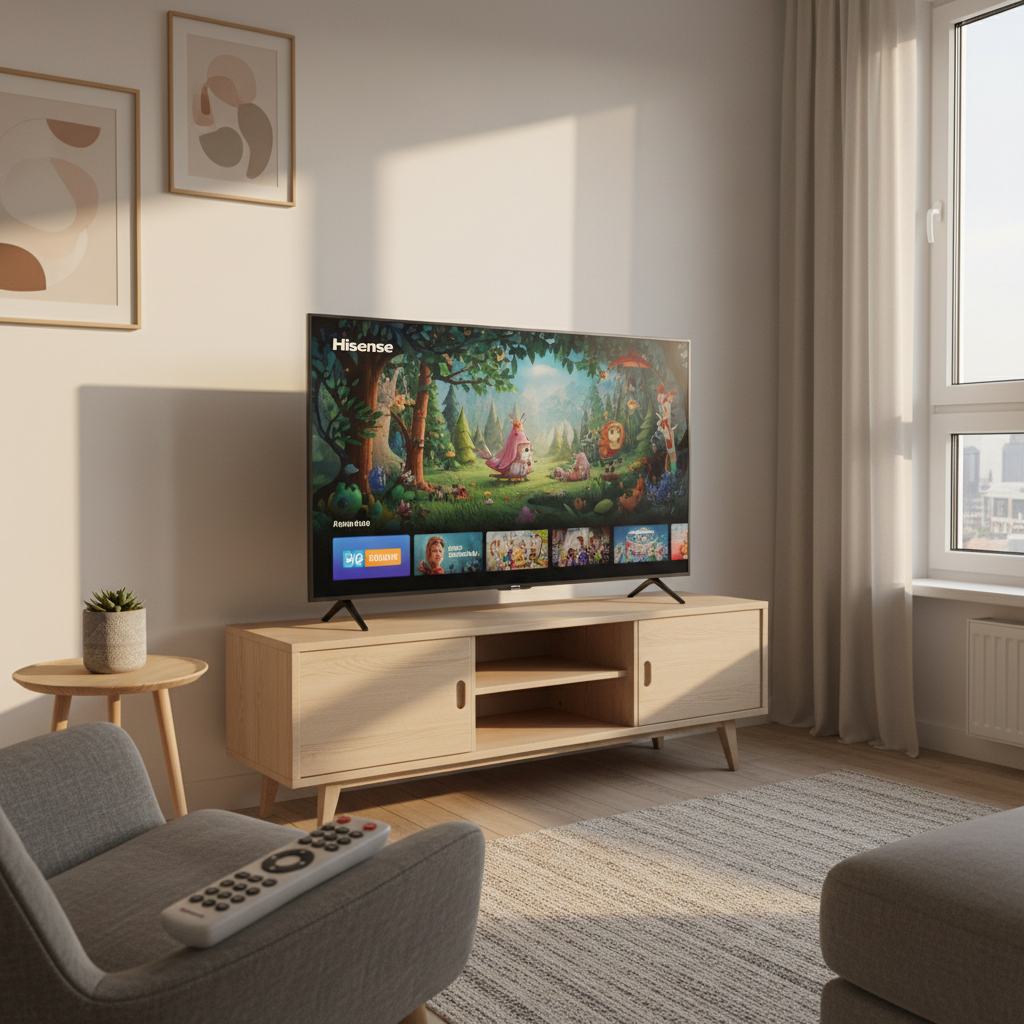
Hisense U6 Series — affordable 4K TV with clear voice mode for seniors
$280–$450
The Hisense U6 delivers strong 4K clarity and a dedicated clear voice mode at a budget-friendly price.
HisenseQLED/LED
Best Value
8.3

Best Value for Seniors

Hisense U6 Series

Very Good
Affordable 4K with clear voice mode & large icons
Best for:• Budget-friendly• Clear voice mode• Large icon menus

Pros

  • Dedicated "Clear Voice" mode significantly improves speech intelligibility
  • VIDAA OS uses large icons and a simple horizontal menu layout
  • Excellent price-per-inch — go larger without overspending
  • Available in 43" and 50" sizes ideal for bedrooms and smaller rooms

Cons

  • VIDAA OS less refined than Google TV or webOS — fewer app updates
  • 700-nit brightness may struggle in very bright, sun-facing rooms
  • Remote buttons are smaller and more crowded than Samsung's SolarCell

Performance Ratings

Picture Clarity
★★★★☆Good7.8/10
Dialogue Clarity
★★★★☆Very Good8.5/10
Remote Usability
★★★★☆Good7.8/10
Bright Room Visibility
★★★★☆Good7/10

Editor's Verdict

★★★★★

Value

9.8/10

Dialogue

8.5/10

Picture

7.8/10

Best for: Seniors on a budget who prioritise dialogue clarity and simple menus

The Hisense U6 is the best value TV for seniors because it includes a dedicated Clear Voice mode — the single most impactful audio feature for older viewers — at a price that leaves room for a soundbar upgrade if needed. The VIDAA operating system uses large icons and a simple horizontal layout that is easy to navigate without technical knowledge.

✅

Final Verdict

Best value TV for seniors — Clear Voice mode and large-icon menus at a budget price.

Ideal Room & Use

Budget-conscious seniorsBedroomsClear voice modeSimple viewing needs

Available Sizes

43" · 50" · 55" · 65" · 75"

Brightness

~700 nits

Editor Score

8.3 / 10

Very Good

📋 Editorial Independence

TopUpTV independently researches and evaluates every recommendation. Manufacturers do not influence our rankings, and no paid placements affect our editorial decisions.

📚 Related Guides & Tools

How We Chose These TVs

Written and reviewed by the TopUpTV Editorial Team

Independent TV buying guidance focused on the needs of older adults — menu readability, remote usability, dialogue clarity, viewing comfort, brightness, and ease of setup. We are not sponsored by manufacturers and do not accept payment for product placement.

🗓 Last reviewed: July 2026Next review: August 2026

Editorial Policy

How we stay independent

How We Test TVs

Our evaluation criteria

Affiliate Disclosure

Our commercial relationships

Contact the Team

Ask us anything

Our senior TV recommendations are not influenced by advertising or manufacturer relationships. Each pick is independently evaluated on criteria specific to older adults:

Menu Readability

Font size, contrast, and clarity of on-screen menus and settings for aging eyes.

Remote Usability

Button size, spacing, backlighting, and logical layout for arthritic or less steady hands.

Dialogue Clarity

Built-in speaker quality, dialogue enhancement modes, and speech intelligibility at moderate volume.

Brightness & Glare

Peak brightness, anti-reflection coating, and daytime visibility in naturally lit rooms.

Picture Clarity

Contrast, colour vibrancy, and detail that makes on-screen content easy to follow.

Viewing Comfort

Wide viewing angles and motion handling so the picture stays comfortable from any seat.

Ease of Setup

Initial setup complexity, account creation steps, and clarity of the onboarding process.

Voice Control

Availability and reliability of voice search and voice commands for hands-free operation.

Our recommendations are based on display specifications, senior viewing conditions, usability testing, dialogue clarity analysis, and long-term reliability. Manufacturers do not influence our rankings. Last full review: July 2026.

Learn more about our methodology →

Future-Proof Buying Advice for Seniors & Families

When buying a TV for an older adult, reliability and ease of use matter as much as picture quality. A television purchased today should serve comfortably for 5–7 years without requiring complex updates or troubleshooting. Here is what to prioritise:

Reliable Smart OS

Google TV, webOS, and Tizen receive regular updates and maintain app compatibility for years. Avoid obscure operating systems that may lose app support.

Dialogue Enhancement

Look for TVs with dedicated dialogue or "clear voice" modes. This is the single most impactful audio feature for older viewers.

Voice Search

Voice control eliminates the need to type with an on-screen keyboard — a major usability win for anyone who finds text input frustrating.

Automatic Brightness

A TV that adjusts brightness to room lighting reduces eye strain throughout the day and eliminates the need to manually adjust settings.

Simple Remote

Fewer buttons is better. Samsung's SolarCell remote and LG's Magic Remote are designed with minimal, well-spaced buttons ideal for older hands.

Family Setup Help

Plan to help with initial setup. Most smart TVs require account creation, Wi-Fi password entry, and app sign-ins that are difficult to do alone the first time.

Frequently Asked Questions

Still not sure?

Use our interactive TV Size Finder to discover the perfect television for your room, seating distance, and budget.

Find My Perfect TV →