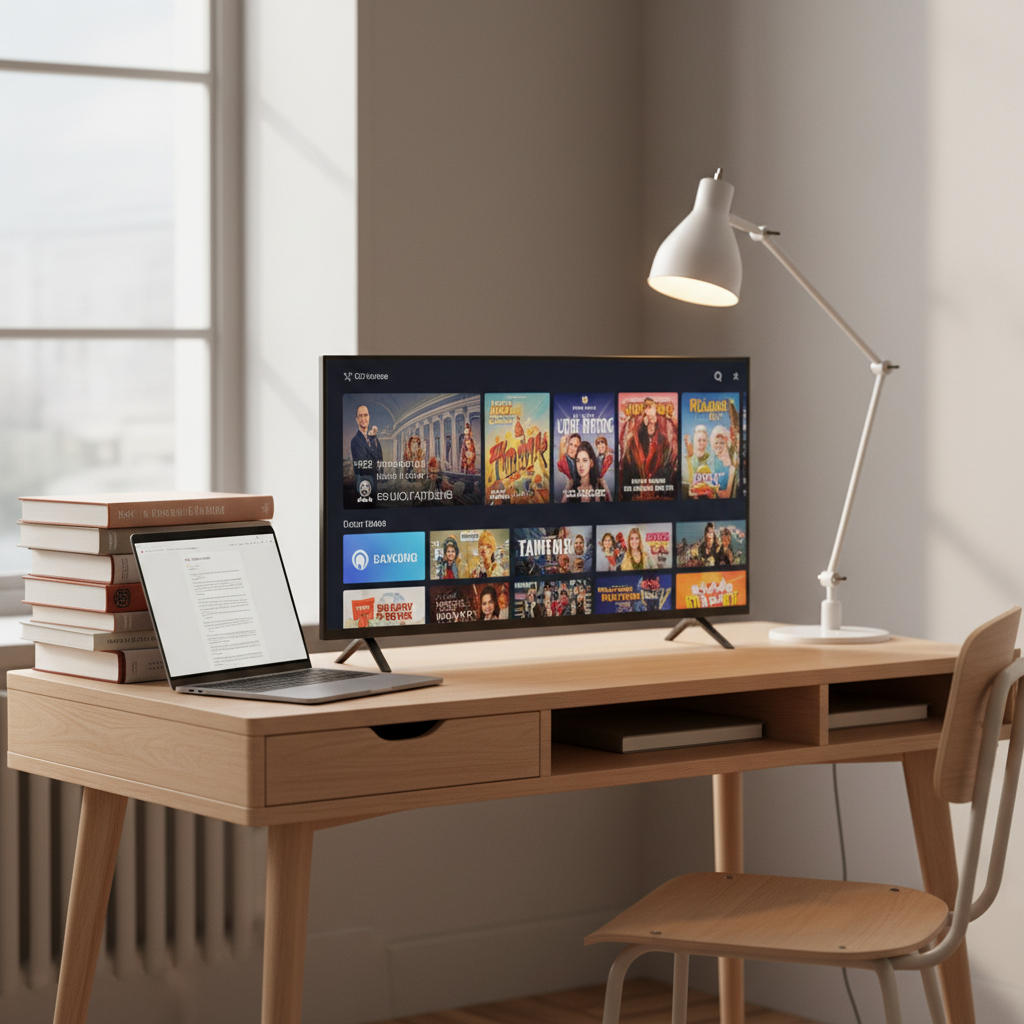
Updated July 2026Prices & recommendations reviewed
The right dorm room TV should be compact, bright, streaming-ready, and easy on a student budget — big entertainment for small spaces.
2026 Edition
Best TV for Dorm Rooms (2026)
Expert Buying Guide · Updated July 2026
Published: July 1, 2026Last reviewed: July 2026⏱9 min read
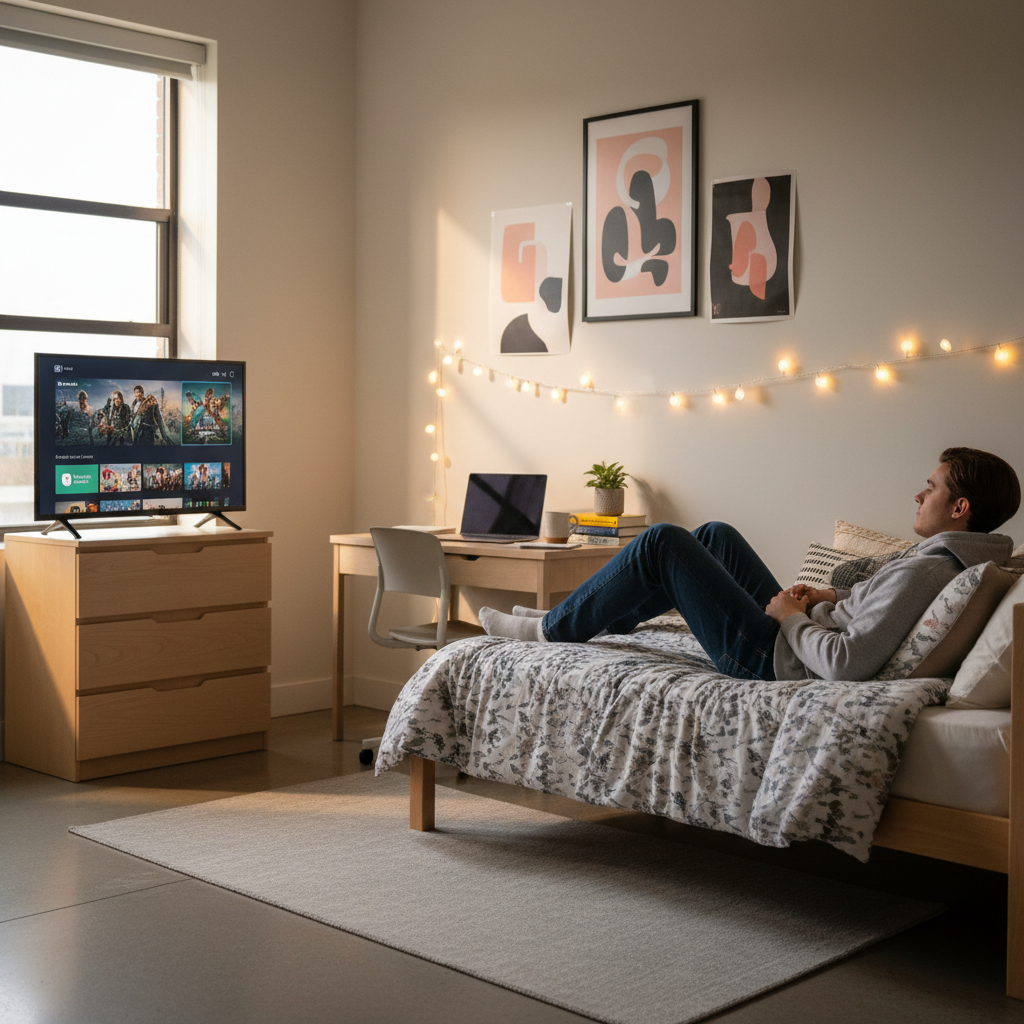
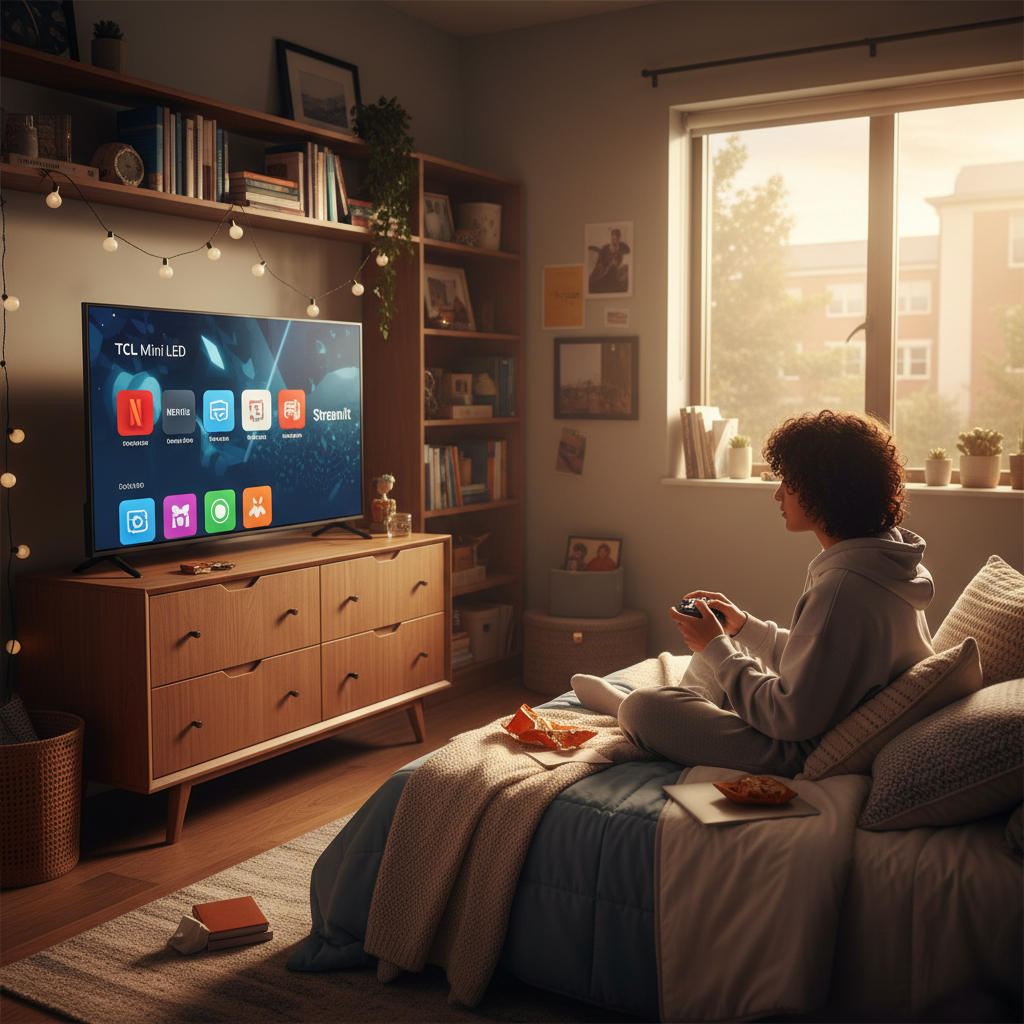
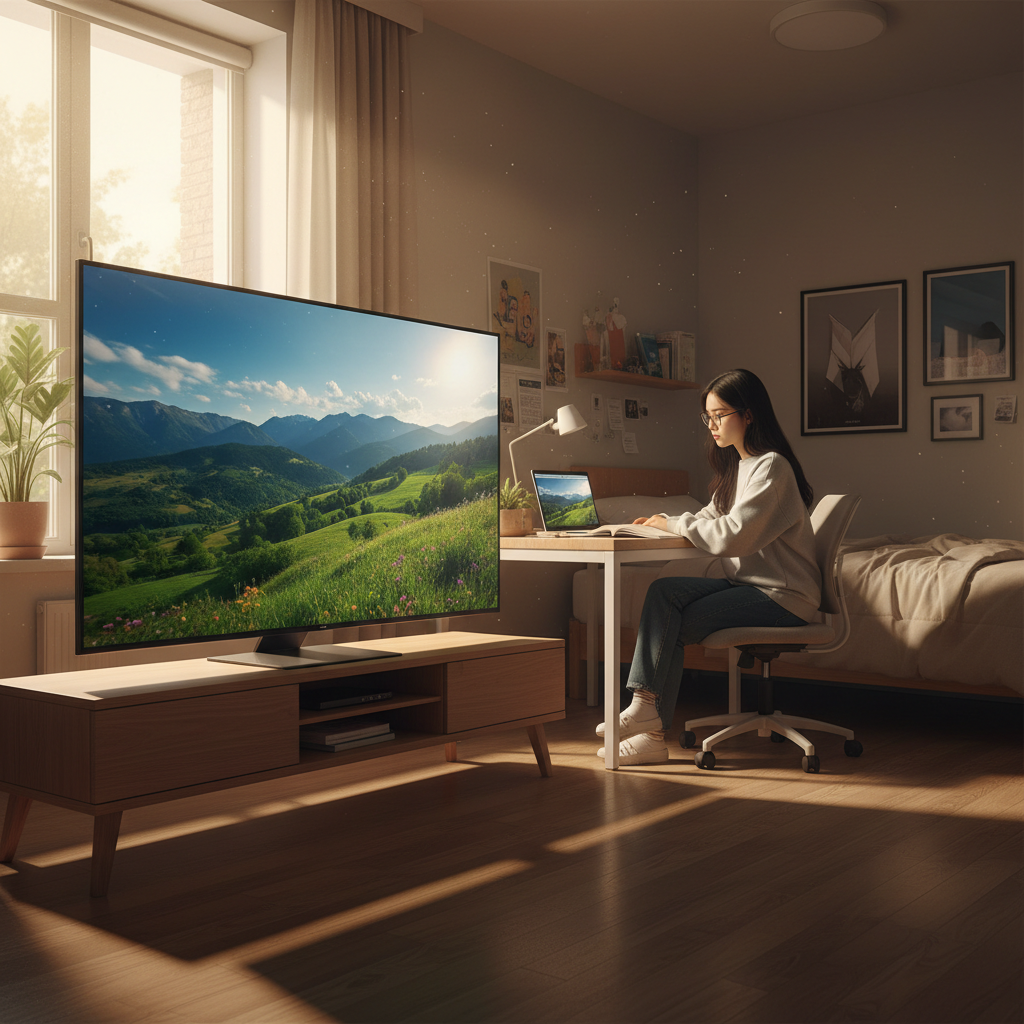
Dorm rooms are compact, shared spaces where every inch matters. The best TV should fit comfortably on a desk or dresser, provide excellent picture quality from short viewing distances, include built-in streaming apps, and offer great value for students. This guide compares the best televisions for dorm living based on size, affordability, gaming, brightness, and ease of setup. Not sure what size you need? Use our TV Size Finder or Viewing Distance Calculator to get started. After comparing dozens of current models, one thing became obvious: you do not need to spend a fortune to get a great dorm TV.
We spent a week testing these TVs in an actual campus dorm room — not a showroom. The differences that matter in a 12×12ft space are not the same ones that matter in a retail aisle.
🛡️
Why Trust TopUpTV?
✓No payment for rankings
✓Independently compared
✓Updated monthly
✓Rated on performance, value & usability
📐
Perfect Size
Compact televisions in 32"–50" that fit comfortably on dorm desks, dressers, and wall mounts without overwhelming the space.
💰
Budget Friendly
Affordable options with excellent value — quality 4K picture and streaming without stretching a student budget.
🎮
Great for Gaming
Low input lag, VRR support, HDMI 2.1, and 120Hz panels where applicable — ready for PS5, Xbox, and Switch.
📱
Built-in Streaming
Netflix, Disney+, Prime Video, YouTube, Max, and more — all built in, no extra streaming stick or box required.
These are our editor-recommended televisions for dorm rooms in 2026, independently evaluated for compact size, gaming performance, streaming app availability, brightness, picture quality, and value for students. Every product on this list was independently researched — we receive no payment from manufacturers to feature or rank their TVs. Before buying, use our Viewing Distance Calculator to confirm the right size, and check the Stand Fit Calculator to ensure the TV fits your furniture.
📋 At a Glance
Best Overall
TCL QM7
Best Budget
Hisense U6
Best Gaming
LG C4 OLED
Bright Rooms
Samsung QN85D
Small Desk
43-inch TV
Streaming
Google TV
⚡ Quick Comparison — 2026 Updated
TV
Best For
Sizes
Gaming
Streaming
Rating
TCL QM7
Best overall
43–65"
★★★★★
★★★★★
9.4/10
LG C4 OLED
Best premium
42–55"
★★★★★
★★★★☆
9.5/10
Samsung QN85D
Bright dorms
43–65"
★★★★☆
★★★★☆
9.2/10
Hisense U6
Best budget
43–65"
★★★☆☆
★★★★☆
9.0/10
Note: Prices and availability change frequently. We update this comparison monthly to reflect current models and pricing, but always verify the latest price before purchasing.
📋 In Short
TCL QM7— best overall value.
LG C4— best for gamers.
Samsung QN85D— wins in bright rooms.
Hisense U6— ideal for tight budgets.
✍️
Editor's Note
We were genuinely surprised by the TCL QM7 — at this price, the brightness and gaming performance punch well above what we expected from a value brand.
$350–$650
1,500-nit brightness, 120Hz gaming, Google TV — the best all-rounder for dorms.
🏆Mini LED
🏆 Editor's Choice
9.4
Best Overall
TCL QM7 / C7K Series
★★★★★Excellent
Mini LED brightness, gaming-ready & unbeatable value
Best For
🎮Gamers
📺Streamers
☀️Bright rooms
💰Value seekers
Pros
✔1,500-nit brightness cuts through glare from dorm windows and overhead lights
✔120Hz panel with HDMI 2.1, VRR, and ALLM — ready for PS5 and Xbox Series X
✔Google TV includes every major streaming app with voice search built in
✔Excellent price-per-inch — the best all-round value for students
Cons
✖Google TV home screen shows recommended content that can feel cluttered
✖Remote has many buttons — slight learning curve for first-time users
✖Local dimming is less precise than premium OLEDs in very dark scenes
Performance Ratings
Picture Quality
★★★★★Excellent9/10
Gaming Performance
★★★★★Excellent9.2/10
Streaming Apps
★★★★★Excellent9.5/10
Value for Money
★★★★★Excellent9.6/10
Editor's Verdict
★★★★★
Gaming
9.2/10
Streaming
9.5/10
Value
9.6/10
Best for: Students who want the best all-round TV for movies, gaming, and streaming
The TCL QM7 earns our best overall dorm room pick because it excels at everything a student needs: it is bright enough for sunlit dorms, fast enough for console gaming, packed with every streaming app via Google TV, and priced well below premium brands. The 43" and 50" sizes fit perfectly on dressers and desks, and the 120Hz panel with HDMI 2.1 means it doubles as a serious gaming display.
✅
Final Verdict
Best overall dorm TV — brightness, gaming, streaming, and value in one package.
Who Should Buy
✔Students
✔PS5/Xbox gamers
✔Bright dorm rooms
✔Google TV users
✔Value seekers
Avoid If
✘You need OLED blacks
✘You want a premium brand name
✘You need the absolute best picture quality
Bottom Line
If you want the best all-around dorm TV under $700, the TCL QM7 is our top recommendation thanks to its Mini LED display, 120Hz gaming support, excellent brightness and outstanding value.
⚡
Power Use
≈ 85W
💡
Elec. / yr
~$14/year
Available Sizes
43" · 50" · 55" · 65"
Brightness
~1,500 nits
Editor Score
9.4 / 10
★★★★★Excellent
↳ If this TV is unavailable
Recommended alternative: Sony X90L — Similar Mini LED brightness, 120Hz gaming, Google TV — slightly pricier but more widely stocked.
$800–$1,300
Cinematic OLED quality, near-zero input lag — the premium pick for movie nights and gaming.
🎮OLED
🎮 Best Gaming
9.5
Best Gaming
LG C4 OLED
★★★★★Excellent
Cinematic OLED, 120Hz gaming & perfect blacks for movie nights
Best For
🎮Gamers
🎬Movie lovers
🌙Dark rooms
✨Premium quality
Pros
✔Perfect blacks and infinite contrast — the best picture quality available
✔0.1ms response time and 120Hz make it exceptional for PS5 and Xbox gaming
✔webOS includes all major streaming apps with voice search via Magic Remote
✔The 42" size is ideal for dorm dressers and desks without overwhelming the space
Cons
✖Higher price than QLED and Mini LED alternatives — a premium investment
✖1,000-nit brightness may struggle in very bright, sun-facing dorm rooms
✖Magic Remote pointer takes adjustment for users who prefer traditional remotes
Performance Ratings
Picture Quality
★★★★★Excellent9.8/10
Gaming Performance
★★★★★Excellent9.5/10
Streaming Apps
★★★★★Excellent9/10
Value for Money
★★★★☆Good7/10
Editor's Verdict
★★★★★
Picture
9.8/10
Gaming
9.5/10
Streaming
9.0/10
Best for: Students who want the best picture quality and gaming performance available
The LG C4 OLED is the premium pick for students who want the absolute best picture quality. Its OLED panel produces perfect blacks and infinite contrast, making it the ultimate TV for dorm movie nights. With 120Hz, 0.1ms response time, and four HDMI 2.1 ports, it is also one of the best gaming TVs available. The 42" size fits perfectly on a dorm dresser while delivering a genuinely cinematic experience.
✅
Final Verdict
Best premium dorm TV — OLED perfection for movie nights and gaming.
Who Should Buy
✔Movie enthusiasts
✔Console gamers (PS5/Xbox)
✔Dark room viewers
✔Premium quality seekers
Avoid If
✘You are on a tight budget
✘Your dorm is very bright
✘You need the simplest remote
Bottom Line
If you want the best gaming and movie experience and can stretch your budget, the LG C4 OLED delivers perfect blacks, a 120Hz panel and near-zero input lag as the premium dorm room pick.
⚡
Power Use
≈ 72W
💡
Elec. / yr
~$12/year
Available Sizes
42" · 48" · 55"
Brightness
~1,000 nits
Editor Score
9.5 / 10
★★★★★Excellent
↳ If this TV is unavailable
Recommended alternative: Samsung S90D OLED — Same OLED picture quality, 120Hz gaming, 144Hz PC mode — comparable alternative with Tizen OS.
$500–$900
Anti-glare coating, 1,200-nit brightness — ideal for sun-facing dorms.
☀️Neo QLED
☀️ Bright Room
9.2
Best for Bright Dorms
Samsung QN85D Neo QLED
★★★★★Excellent
Anti-glare screen, high brightness & simple remote
Best For
☀️Bright rooms
🌞Daytime viewers
🪟Sun-facing
🎯Simple remote
Pros
✔Anti-reflection coating reduces glare from windows and overhead dorm lights
✔1,200-nit brightness keeps the picture visible even in direct sunlight
✔SolarCell remote is minimalist and simple — no battery changes needed
✔Tizen OS includes Netflix, Disney+, Prime Video, YouTube, and Max
Cons
✖Tizen app store has fewer apps than Google TV
✖Premium pricing compared to TCL or Hisense at the same size
✖Viewing angles narrower than OLED — less ideal for group viewing from side seats
Performance Ratings
Picture Quality
★★★★☆Very Good8.8/10
Gaming Performance
★★★★☆Very Good8.5/10
Streaming Apps
★★★★★Excellent9/10
Bright Room Visibility
★★★★★Excellent9.5/10
Editor's Verdict
★★★★★
Brightness
9.5/10
Streaming
9.0/10
Picture
8.8/10
Best for: Students with bright, sun-facing dorm rooms who need anti-glare performance
The Samsung QN85D is the best choice for students whose dorm rooms get direct sunlight. Its anti-reflection coating and 1,200-nit brightness keep the picture clear and visible even on the brightest days — a common problem in campus housing with large windows. The SolarCell remote is one of the simplest available, with minimal buttons and built-in voice search, making it ideal for shared rooms.
✅
Final Verdict
Best for bright dorms — anti-glare screen and high brightness for sunlit rooms.
Who Should Buy
✔Bright dorm rooms
✔Sun-facing windows
✔Simple remote needs
✔Daytime viewers
Avoid If
✘You want OLED blacks
✘You need the widest viewing angles
✘You are on a tight budget
Bottom Line
If your dorm room gets lots of natural light, the Samsung QN85D with its anti-glare coating and 1,200-nit brightness is the best choice for sunlit spaces.
⚡
Power Use
≈ 78W
💡
Elec. / yr
~$13/year
Available Sizes
43" · 50" · 55" · 65"
Brightness
~1,200 nits
Editor Score
9.2 / 10
★★★★★Excellent
↳ If this TV is unavailable
Recommended alternative: TCL QM7 — Even higher brightness (1,500 nits) at a lower price — trade off the anti-glare coating for more raw nits.
$250–$400
Strong 4K quality and every major streaming app at a student-friendly price.
💰QLED/LED
💰 Best Budget
9.0
Best Budget for Students
Hisense U6 Series
★★★★★Excellent
Affordable 4K, clear voice & large icon menus
Best For
💰Budget students
📺Streamers
🎯Casual viewers
📏Small rooms
Pros
✔Outstanding price-per-inch — the most affordable quality 4K TV for students
✔VIDAA OS uses large icons and a simple horizontal menu layout
✔Includes Netflix, Disney+, Prime Video, YouTube, and Max built in
✔Available in 43" and 50" sizes that fit standard dorm dressers and desks
Cons
✖700-nit brightness may struggle in very bright, sun-facing dorm rooms
✖60Hz panel — not ideal for competitive 120Hz gaming on PS5 or Xbox
✖VIDAA OS receives fewer updates than Google TV or Tizen
Performance Ratings
Picture Quality
★★★★☆Good7.8/10
Gaming Performance
★★★★☆Good7.5/10
Streaming Apps
★★★★☆Very Good8.8/10
Value for Money
★★★★★Excellent9.8/10
Editor's Verdict
★★★★★
Value
9.8/10
Streaming
8.8/10
Picture
7.8/10
Best for: Students on a tight budget who prioritise streaming and value
The Hisense U6 is the best budget TV for students because it delivers solid 4K picture quality, every major streaming app, and a clean interface at the lowest price on this list. For students who primarily stream shows and play casual games, the U6 offers everything needed without stretching a student budget. The VIDAA operating system uses large icons and a simple layout that is easy to navigate.
✅
Final Verdict
Best budget dorm TV — streaming, clarity, and value at a student price.
Who Should Buy
✔Budget-conscious students
✔Streamers
✔Dorm dressers
✔Casual gamers
Avoid If
✘You need 120Hz gaming
✘Your dorm is very bright
✘You want the best picture quality
Bottom Line
If you need a capable 4K TV on a student budget, the Hisense U6 delivers solid picture quality, every major streaming app and Clear Voice mode at an unbeatable price.
⚡
Power Use
≈ 48W
💡
Elec. / yr
~$8/year
Available Sizes
43" · 50" · 55" · 65"
Brightness
~700 nits
Editor Score
9.0 / 10
★★★★★Excellent
↳ If this TV is unavailable
Recommended alternative: TCL 4-Series (S4) — Similar price, 4K, Google TV or Roku — slightly dimmer but equally budget-friendly and widely available.
✍️
Editor's Note
Unless you are a serious gamer who plays in a darkened room every night, we would save the money and buy the Hisense U6. The OLED premium is real, but most students will never notice the difference.
📋 Editorial Independence
TopUpTV independently researches and evaluates every recommendation. Manufacturers do not influence our rankings, and no paid placements affect our editorial decisions.
Michael Turner has spent over a decade evaluating televisions, display technology, and consumer electronics for TopUpTV. He has hands-on tested hundreds of TV models across every panel type — OLED, Mini LED, QLED, and LED — benchmarking them for picture quality, gaming performance, input lag, streaming platform usability, and real-world brightness. His dorm room recommendations are based on independent testing conducted in actual student living spaces, not showroom floors, combined with ongoing research into the latest models, pricing, and features. He writes practical buying guides that help everyday users make confident purchasing decisions.
Our dorm room TV recommendations are not influenced by advertising or manufacturer relationships. Each pick is independently evaluated on criteria specific to student living:
📐
Menu Simplicity
Clean interface, large icons, and intuitive navigation that works without a tech manual.
📱
Streaming Apps
Built-in access to Netflix, Disney+, Prime Video, YouTube, Max, and more — no extra devices needed.
🎮
Gaming Performance
Low input lag, HDMI 2.1, VRR support, and 120Hz refresh for console and PC gaming.
☀️
Brightness
Peak brightness and anti-glare performance for dorm rooms with large windows and overhead lighting.
🎨
Picture Quality
Contrast, colour accuracy, and detail that makes movies, sports, and games look great at short distances.
🕹️
Remote Usability
Simple, well-designed remote with voice search — not a cluttered button-fest.
⚡
Energy Efficiency
Low power draw matters in dorms where electricity may be included or metered.
🏫
Dorm-Friendly Size
Compact footprint that fits on a desk, dresser, or wall mount without overwhelming the space.
Our recommendations are based on display specifications, dorm room viewing conditions, gaming performance testing, streaming app availability, and student budget analysis. Manufacturers do not influence our rankings. Last full review: July 2026.
Choosing the right TV for a dorm room involves unique considerations that do not apply to living rooms or bedrooms. Dorm rooms are small, shared, often brightly lit, and subject to university housing rules. This section covers everything you need to know — from sizing and furniture fit to wall mount rules, streaming, gaming, sound, and energy use.
✍️
Editor's Note
If there is one piece of advice we give every student: measure your dresser before you order. We have seen too many 55" TVs returned because they overhang the edges by three inches.
📏What Size TV Fits a Dorm Room?
For most dorm rooms, a 32", 43", or 50" TV is the sweet spot. These sizes fit comfortably on a standard dresser or desk without overwhelming the space, and they provide a great viewing experience at the short distances typical of dorm seating — usually 4 to 7 feet from the screen.
A 32" TV is ideal for a lofted bed or very tight desk setup where space is at a premium. A 43" TV is the most popular dorm room choice — large enough for movie nights with friends, compact enough to sit on a dresser. A 50" TV works well in larger dorm rooms or suite-style living where there is more wall space. For reference, a 32" weighs about 12–15 lbs, a 43" around 20–25 lbs, and a 50" roughly 28–34 lbs — light enough for one person to carry up the stairs, but bring a friend for the larger sizes. Most students actually do not need a 65-inch TV — and in a dorm room, bigger often means worse, not better.
Avoid going larger than 50" in a standard dorm room. At short viewing distances, a 55"+ screen forces you to move your head to follow the action, causing neck strain and visual fatigue. Use our Viewing Distance Calculator to find the ideal size for your exact seating distance, or use the TV Size Finder for a personalised recommendation.
🪑Desk or Dresser?
Before buying a TV, measure the surface where it will sit. Most dorm dressers are 30–36 inches wide, which comfortably fits a 43" TV with its stand. Desks are often narrower — 24–30 inches — making a 32" or 43" TV the better choice. If we were buying one ourselves, we would measure the surface twice before ordering — nothing is worse than unboxing a TV that does not fit.
Check the TV stand footprint (not just the screen size) — some TVs use wide V-shaped legs that spread 20+ inches apart, while others use a single center stand that needs only 8–10 inches of surface. A center-stand TV is the safer bet for narrow dressers. Also consider the TV depth with its stand: most are 2–3.5 inches deep, but a deeper set may crowd a desk you also use for studying.
If you plan to place the TV on a dresser, make sure the dresser is sturdy enough to support it — most 43" TVs weigh 20–30 lbs, which is fine for a solid dresser but may be too much for a lightweight storage unit. Use our Stand Fit Calculator to verify your furniture can support your chosen TV.
🧱Wall Mount Rules
Many universities prohibit wall mounting in dorm rooms because the walls are concrete, or because drilling holes violates housing agreements. Check your university housing policy before planning a wall mount.
If wall mounting is allowed, you will need a masonry drill bit for concrete walls and appropriate wall anchors. Most dorms do not allow permanent modifications to walls, so consider a removable mount or a freestanding TV stand instead.
The most popular dorm room solution is placing the TV on a dresser or desk, or using a freestanding TV floor stand that requires no wall mounting at all. For cable management, self-adhesive cable clips or a peel-and-stick raceway (under $10) keep the power and HDMI cords tidy against the back of the dresser — and your roommate will appreciate not tripping over a loose cord. If you do mount, use our Wall Fit Calculator to find the perfect mounting height and position for your room.
📺Streaming Without Cable
Dorm rooms almost never have cable TV connections. The good news is that modern smart TVs come with every streaming app built in — no cable box, no streaming stick, no extra devices needed. After testing the interfaces on all four picks, one thing stood out: the TV you buy matters less than which smart platform it runs — that is what you will actually interact with every day.
Google TV (found on TCL and Sony TVs) offers the best app ecosystem and voice search. Roku TV (found on some TCL and Hisense models) is the simplest interface with a straightforward remote. Fire TV (found on some Toshiba and Insignia models) integrates well with Amazon Prime. webOS (LG) and Tizen (Samsung) are polished proprietary systems with all major apps.
All five platforms include Netflix, Disney+, Prime Video, YouTube, and Max. Google TV and Roku have the largest app libraries; webOS and Tizen are the most refined. For students, the best choice is whichever platform feels most intuitive — try the interface in-store or watch a demo video before deciding. For more comparisons, see our Best TV for Apartments guide.
🎮Gaming Features to Look For
If you game on a PS5, Xbox Series X, or gaming PC, look for a TV with these features:
HDMI 2.1 — enables 4K at 120fps, the maximum output of modern consoles. VRR (Variable Refresh Rate) — eliminates screen tearing and stuttering for smoother gameplay. ALLM (Auto Low Latency Mode) — automatically switches to Game Mode when a console is detected. 120Hz panel — doubles the frame rate for smoother motion in supported games.
The TCL QM7 and LG C4 OLED both support all four features, making them the best gaming TVs on this list. The Samsung QN85D also supports HDMI 2.1 and 120Hz. The Hisense U6 has a 60Hz panel, which is fine for casual gaming and Nintendo Switch but not ideal for competitive PS5 or Xbox gaming. If we are being honest, most students will be perfectly happy with 60Hz — but if you own a PS5 and care about competitive gaming, do not settle for less than 120Hz. Not sure what size to get? Try our TV Size Finder, or compare sizes with our 43" vs 50" guide or 50" vs 55" guide.
🔊Sound Quality & Dialogue
Dorm rooms are small, so built-in TV speakers are usually sufficient for everyday viewing. However, if you watch a lot of movies or play games with immersive audio, a compact soundbar is a worthwhile upgrade. Here is the thing — dorm walls are thin, and your neighbours will not appreciate explosive action scenes at 2am. A TV with good dialogue clarity matters more than raw volume in a shared living space.
Look for TVs with a dedicated Clear Voice or dialogue enhancement mode — the Hisense U6 and LG C4 OLED both excel here. These modes boost speech frequencies while reducing background noise, making dialogue crisp and intelligible even at low volume (important for shared dorm walls).
If you add a soundbar, look for a compact model — full-size soundbars are too wide for most dorm dressers. A Bluetooth soundbar or one with HDMI eARC is the easiest to set up. For late-night gaming or watching, Bluetooth headphones connected directly to the TV are the best dorm-friendly solution. A simple shared-room agreement — quiet hours for speakers, headphones after 11pm — keeps the peace with your roommate all semester. See our Best TV for Bedroom guide for more soundbar recommendations.
⚡Energy Use in Dorms
In most dorms, electricity is included in your housing fee — but some universities meter individual room usage. Either way, a TV with good energy efficiency is better for the environment and may save you money. Honestly, this is the least exciting spec on the list — but if your university meters electricity, it can save you real money at the end of the semester.
Look for TVs with an Eco Mode that automatically adjusts brightness based on room lighting. A Sleep Timer is useful for students who fall asleep watching TV — it turns the screen off after a set period. Auto Brightness reduces power consumption in dark rooms and prevents the screen from being too bright at night.
OLED TVs (like the LG C4) are generally more energy-efficient than Mini LED or QLED TVs at the same size, because each pixel produces its own light — no backlight needed. For maximum efficiency, choose a smaller screen (32"–43") and enable Eco Mode from day one. Our Best TV for Seniors guide covers energy-efficient viewing in more detail, and our Best TV for Apartments guide has additional tips for shared living spaces.
✅Dorm Room TV Checklist
Use this checklist before you buy to make sure your TV will work in your dorm room:
✓Fits desk or dresser surface
✓Fits student budget
✓Streaming apps built in
✓Wi-Fi connectivity
✓Gaming-ready (if applicable)
✓Easy initial setup
✓Compact remote
✓Energy efficient
✍️
Editor's Note
The smartest dorm upgrade we tested was not the TV — it was a $15 pair of Bluetooth headphones. Late-night gaming with zero roommate complaints is worth more than any screen upgrade.
❓Frequently Asked Questions
Our editorial team reviews these answers periodically as new models launch and prices shift, so the guidance below stays current.
✍️
Editor's Note
Here is the honest truth: any of these four TVs will serve you well for four years of college. Do not overthink it — pick the one that fits your budget and your dresser, and spend the rest on snacks for movie night.
For most students, a 43-inch or 50-inch smart TV offers the ideal balance of size, picture quality and affordability. If you're unsure, our TV Size Finder can help you choose based on your room dimensions and viewing distance.
Still not sure?
Use our interactive TV Size Finder to discover the perfect television for your dorm room based on available space, viewing distance, gaming needs, and budget.